
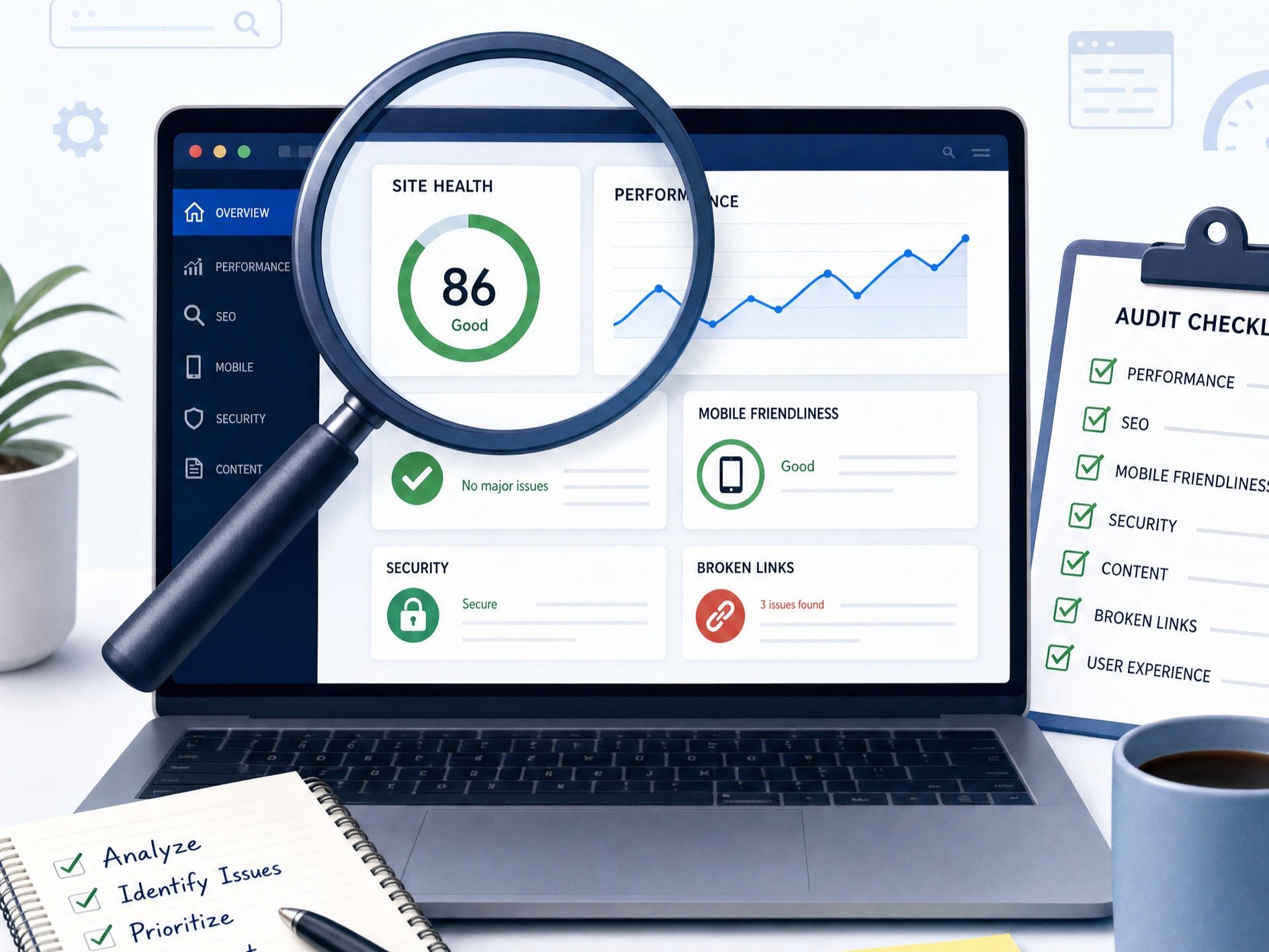
A website audit should help you decide what to fix, what to keep an eye on, and whether a rebuild is justified. For a professional services firm, that means connecting technical findings to the pages clients rely on. You certainly shouldn’t treat every warning from an automated scan as equally important.
A useful website audit checks performance, accessibility, search foundations and security. Once done it then turns the evidence into a prioritised plan. It should leave you with clear next steps, and not a longer list of things to worry about.
Start with the decision you need to make
Before reviewing tools or reports, write down the question the website audit needs to answer. Are you trying to improve an existing site, decide on a redesign, or understand a drop-off in number of enquiries?
The answer changes what deserves attention. If clients cannot find your main service information, begin with the relevant service pages and how people reach them. When staff members struggle to update the site, look at the content management system and editing process. When the site is slow on mobile, examine the pages and components that matter to visitors, not just a single homepage score.
This is especially useful before approving a rebuild. A dated design can be frustrating. Appearance alone does not explain whether the underlying site needs replacing. Some problems have straightforward fixes. Others may come from a platform or structure that no longer supports the work your firm needs to do.
Which pages should a professional services firm review first?
Start with the pages tied to trust and enquiries. Such as the homepage, important service pages, relevant case studies, and the contact page. Include any page your team regularly sends to prospective clients.
For each one, ask:
- Is it clear who the service is for and what happens next?
- Can a visitor find the information they need without digging through unrelated pages?
- Does the page work on a phone, including its forms and navigation?
- Can a visitor with different access needs use the page and its controls?
- Is the page available to search engines, with accurate titles and content?
- Does the page lead to a working contact route?
This is not a substitute for reviewing the whole site. It is a sensible way to start, especially when your team has limited time. Expand the review when a priority page points to a shared template, wider technical issue, or broken user journey.
Review evidence in four areas
Performance
Look at how important pages load and respond, especially on mobile. Check page speed, mobile friendliness and overall site speed. Where useful, also check Core Web Vitals and other site performance metrics. Automated tools can identify potential issues, but the result needs context. A low score is a prompt to investigate, not proof that a full rebuild is necessary.
Record the pages that were tested and what the tool reported. Does the same problem affect other pages? Decide whether the issue is isolated or part of a broader pattern, such as a slow shared template or oversized media across the site. Image optimization may help, but first check whether it addresses the cause.
Accessibility
Check whether people can navigate and understand the site in different ways. Start with practical basics such as keyboard access, visible focus, and meaningful page titles and headings. Then move onto alternative text for images, readable contrast, and labels on forms. The W3C accessibility evaluation resources explain why evaluation combines checks, tools, and human judgement.
An automated scan can find some issues, but it cannot confirm by itself that every person can complete the tasks that matter on your site. Test the actual pages and journeys your clients use.
Search foundations
Review whether key pages can be discovered and understood. Check that the pages you want indexed are accessible, and that titles, meta tags, meta descriptions, headings and key content describe their purpose and include relevant keywords. Ensure internal links help visitors reach the next relevant service or contact page.
For technical SEO audits, an SEO Audit Tool can help identify technical, on-page SEO issues, such as crawlability, robots.txt settings and broken links. A link audit can also help you review internal links and backlink signals. Some tools provide a comprehensive SEO report with an SEO health score, while others offer automatic audits or white-label reports. Treat an SEO score as a starting point for investigation, not a measure of search visibility or a promise of more organic traffic.
If available, use Google Search Console to see which pages appear in Google and what searches show them. Google describes Search Console as a way to monitor and troubleshoot a site's presence in Google Search, not as a guarantee of higher rankings. See Google’s Search Console overview.
Depending on your goals, the review might also include off-page SEO audits, competitive site audits, or AI Discoverability and AI visibility tracking. These can add context to SEO data, but should still lead to practical decisions about the pages and work that matter to your firm.
Security and reliability
Review whether the site is maintained, whether its software and integrations are still supported, and whether there are obvious failures in important forms or other interactive features. The exact checks depend on how the site is built and what it does. A brochure site and a client portal do not carry the same risks, so a report should say what was checked and what was outside scope. Security audits can be part of this review where the site’s features and risks warrant them.
Turn each finding into a decision
For each issue, record the affected page or component, the evidence, the likely business impact, and the next step. Then group it into one of three decisions:
| Decision | Use it when | Example next step |
|---|---|---|
| Fix | The issue is clear, limited, and the current site can support the change. | Repair a broken contact form or correct a key page title. |
| Investigate or monitor | You have a signal, but not enough evidence to choose a larger change. | Test several important pages or review Search Console data over time. |
| Plan a rebuild | Problems are repeated or structural, and the current platform or site architecture cannot support the needed changes sensibly. | Define scope, content needs, integrations, and what must be preserved before commissioning a new site. |
This is the difference between a list of warnings and a document your team can use to plan work. Automated checks and automatic audits can help find patterns. People still need to decide which patterns matter in your business.
When to get help with a website audit
A DIY review is a useful first pass when you know which pages to check and have time to follow up on what you find. Consider an independent website audit when the findings are unclear, several issues overlap, you are planning a rebuild, or your team needs a written order of work before committing budget. Depending on the brief, that work might also include conversion optimization audits or broader health audits.
Doubleslash Studio’s website audit service reviews performance, accessibility, SEO and security, with a prioritised written report. It is a fixed fee from £750 to £1,500. If you already know an audit is the next step, you can contact the studio about your website.
The point is not to fix everything at once. It is to understand what is happening, choose work that fits the evidence, and avoid rebuilding parts of the site that are already doing their job.